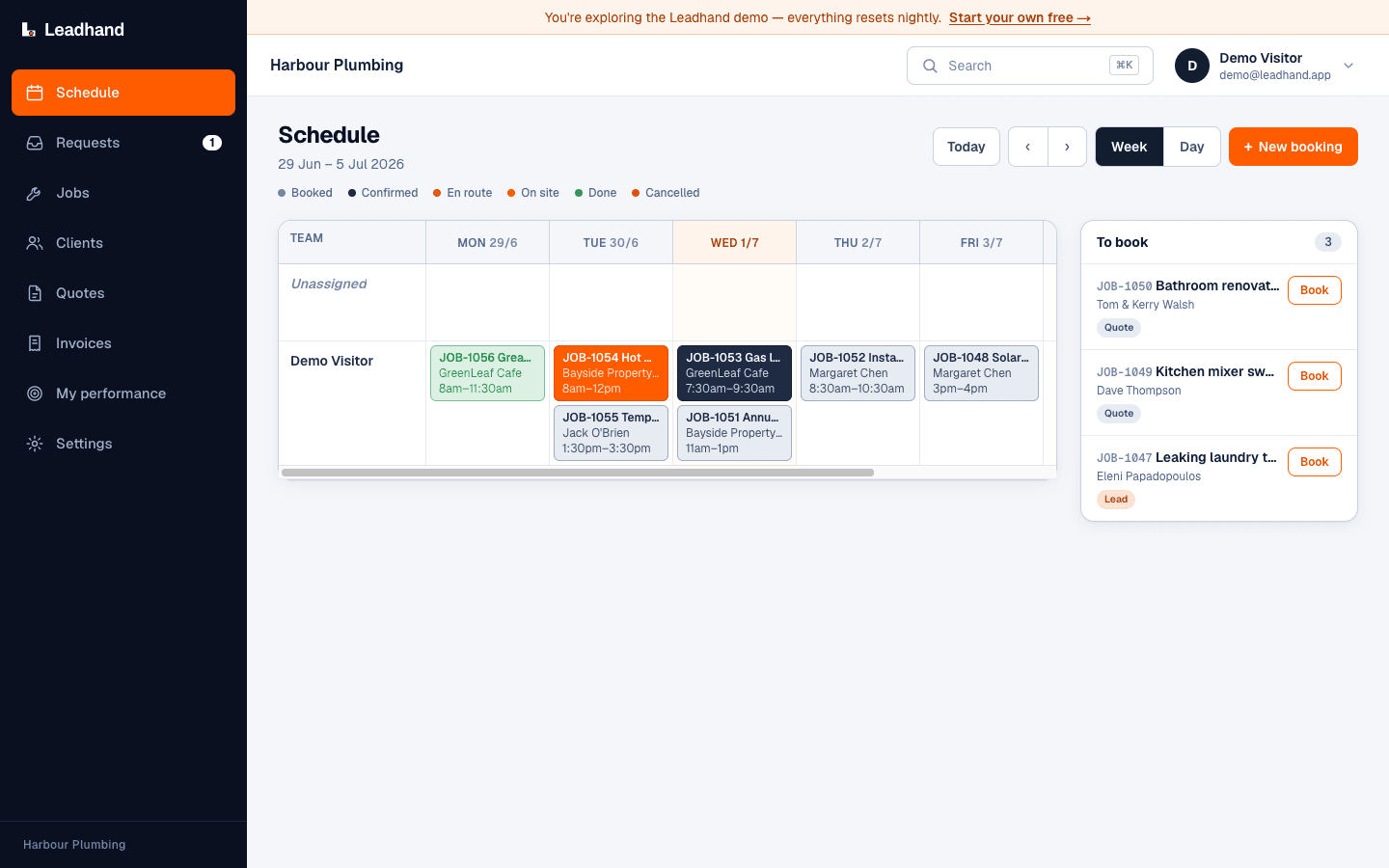
Schedule
See the work before the day starts
Keep jobs, times and assignments on one board so the office and field work from the same plan.
Built for your trade. Made in Australia.
Quote the job, raise the progress claims and variations as it moves, keep an eye on the margin, and keep the crew and the trades on the same plan.
No card required. Your data is hosted in Australia.

Leadhand is job management built for Australian builders and carpenters. Quote a job from your pricebook, bill it in stages as progress claims, capture variations when the scope changes, schedule the crew and trades on a drag-and-drop board, and compare job costs with the quote.
Win the work. Do the work. Get paid.
Build a quote from your pricebook kits and send it looking sharp. When the scope moves - and it always does - capture the change as a variation so it doesn't get lost, and the client accepts it online. Nothing gets built for free because someone forgot to write it up.
Bill the job in stages as progress claims rather than one invoice at the end, so the cash keeps coming in while the job runs. Progress claims and variations are GST-correct out of the box, the client pays online, and you can see what's claimed, what's paid and what's still owing.
See what a job is costing against what you quoted, so a job that's slipping shows up while you can still do something about it rather than at the end when the money's gone. Know your margin on the jobs you run instead of finding out at tax time.
See every job and everyone on a drag-and-drop board, book the trades in the right order, and move things when the weather turns. Move a job and the crew sees it straight away in the Android and iPhone field apps.
The actual product
These are real Leadhand screens, not stock mock-ups. The same records move from schedule to quote and invoice across web, iPhone and Android.
Schedule
Keep jobs, times and assignments on one board so the office and field work from the same plan.
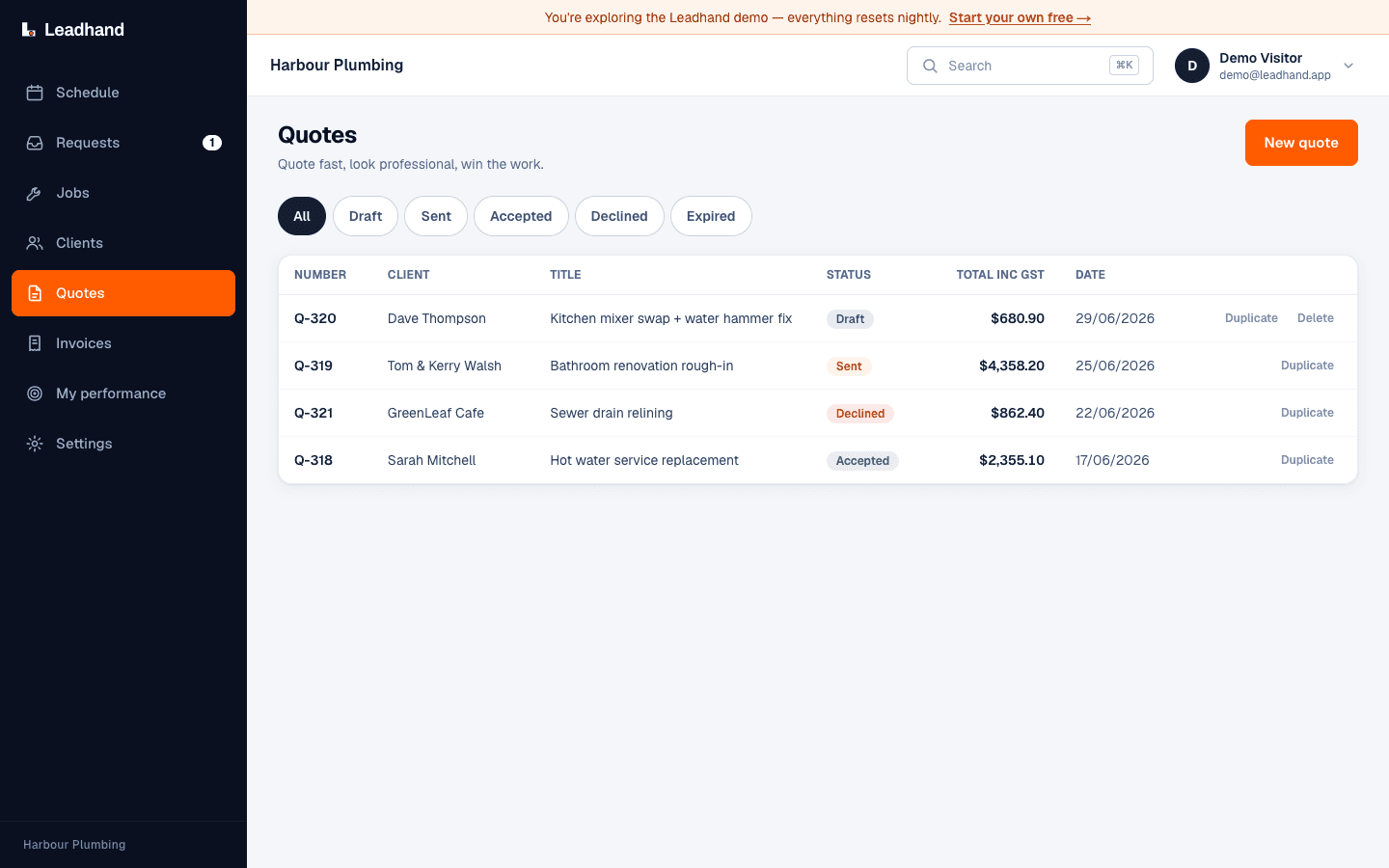
Quotes
Build, send and follow the quote without copying the customer and job into another system.
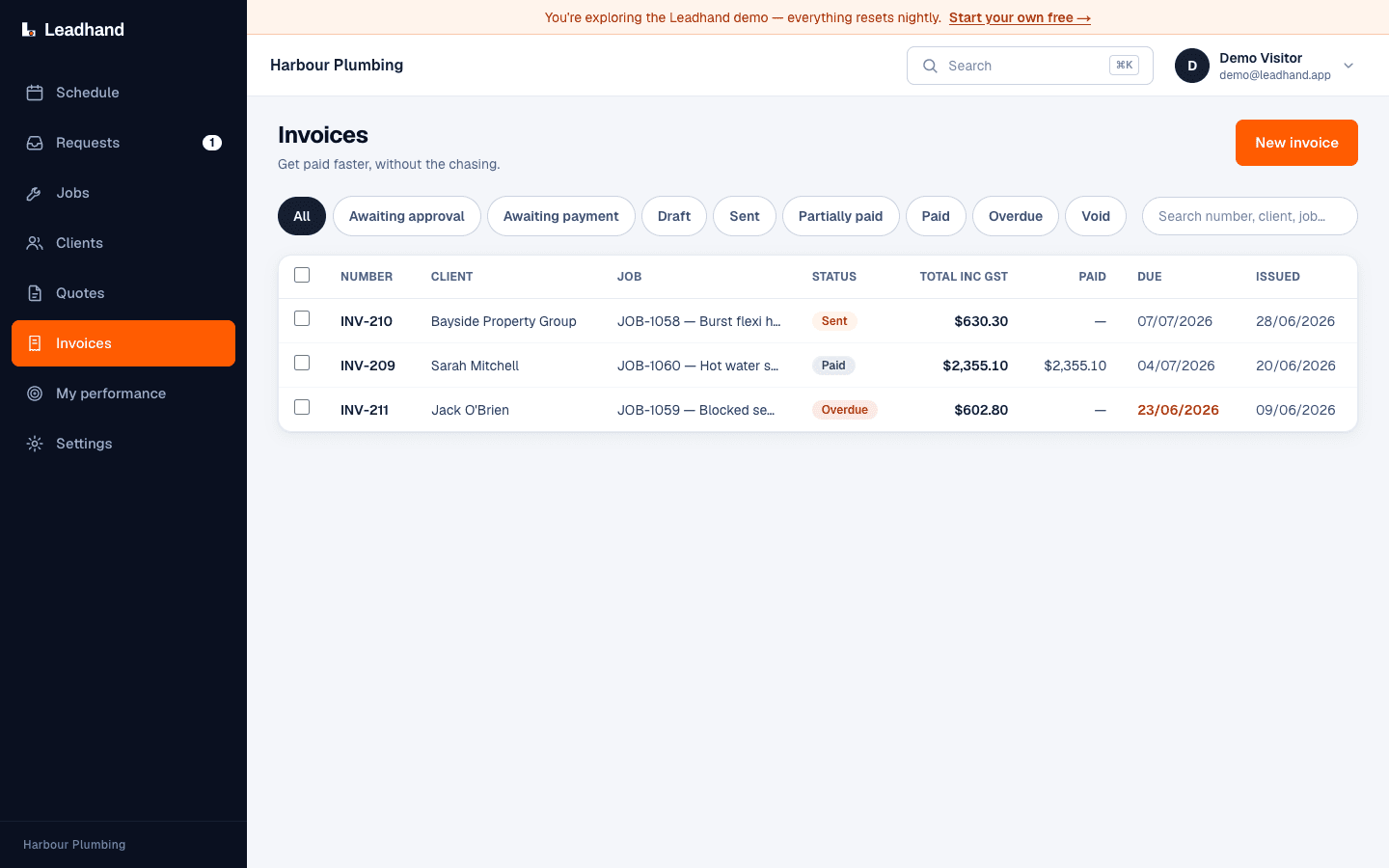
Invoices
Create the invoice from the job and see what has been sent, paid or still needs attention.
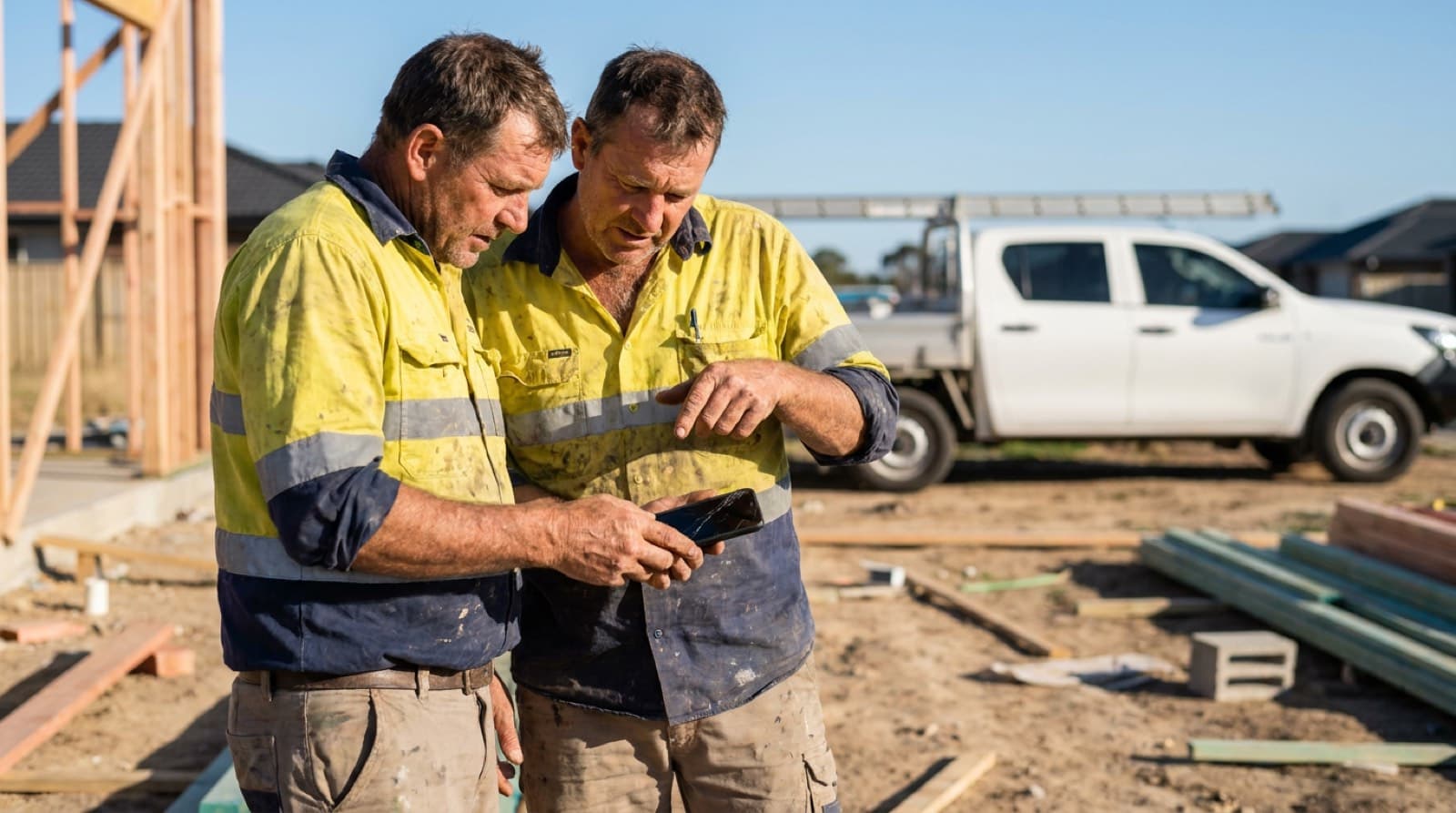
Office and field, in sync
Move a job on the board and the crew sees it on their phone. A tech marks it done and the office can invoice it. Job statuses update as the work happens, so the board stays current without another round of data entry.
Straight answers, no jargon and no fine print.
Practical guides for running the trade business, with links to the official sources.
Keep the quote, schedule, job, invoice and payment together, from the office or the field.
No card required.